 Trestleworks
PlanTakeoff
Plan takeoff and markup for iPad. Open a PDF plan set, set the scale, and take off lengths, areas and counts with Apple Pencil.
What it does
Takeoff on real plans
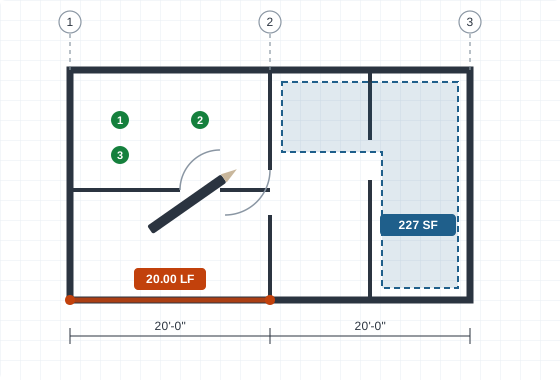
Calibrate any sheet to scale, then measure linear runs, areas and counts. Totals update as you draw.
Apple Pencil first
Draw, mark up and annotate naturally. The app supports Pencil squeeze and double-tap, and handwritten notes are recognized on the iPad itself.
Open from anywhere
Open PDFs from Files, Mail or any app's share sheet. Existing Bluebeam markups come in as editable marks.
Export what you need
Export a marked-up PDF, a CSV of quantities, or a DXF for CAD, and save or share it straight from the iPad.
Private by design
PlanTakeoff keeps your PDFs, markups and handwriting on your iPad. They're never uploaded to our servers, and there's no advertising or analytics tracking. See the privacy policy for details.
Requirements
- iPad running iPadOS 17.5 or later
- Apple Pencil recommended; squeeze needs Apple Pencil Pro, double-tap needs Apple Pencil (2nd generation) or Pro